&

Monitor SettingsGame like your favorite Player

Filter your favorite teams
Filter Zowie Teams

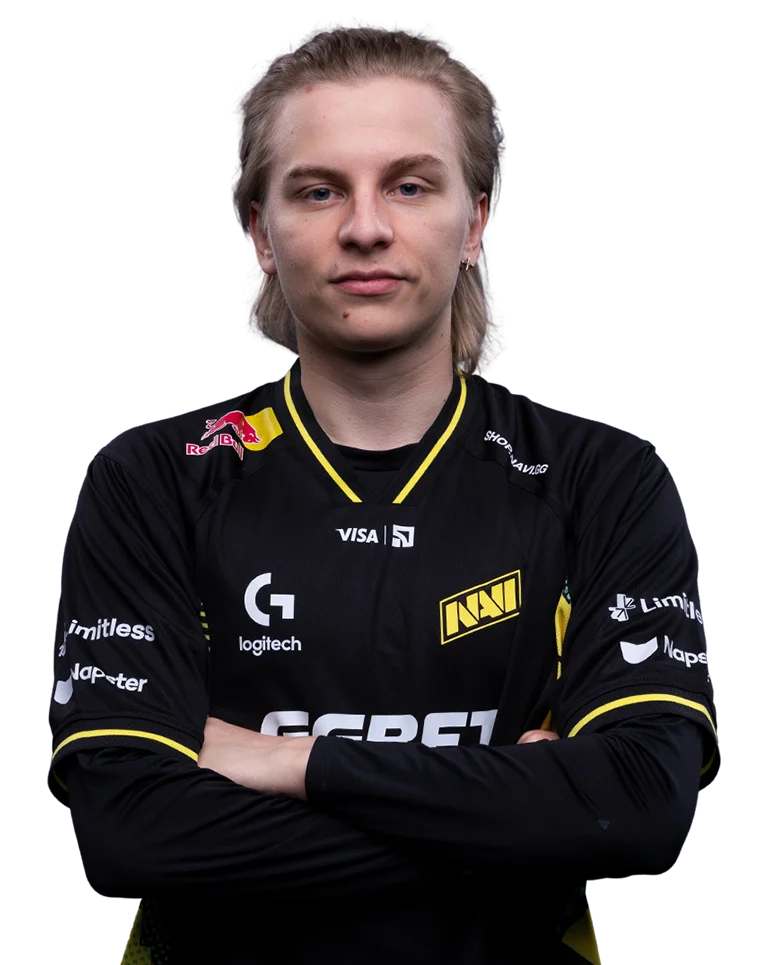
Aleksib

PLAYER`S CONFIG

Base mode:
Standard
Black eQualizer:
12
Color Vibrance:
12
Low Blue Light:
0
Gamma:
2
Color Temperature:
User Define
RGB:
100 | 100 | 100
DyAc 2:
Premium
Brightness:
92
Contrast:
62
Sharpness:
7
AMA:
High
Display Mode:
Full

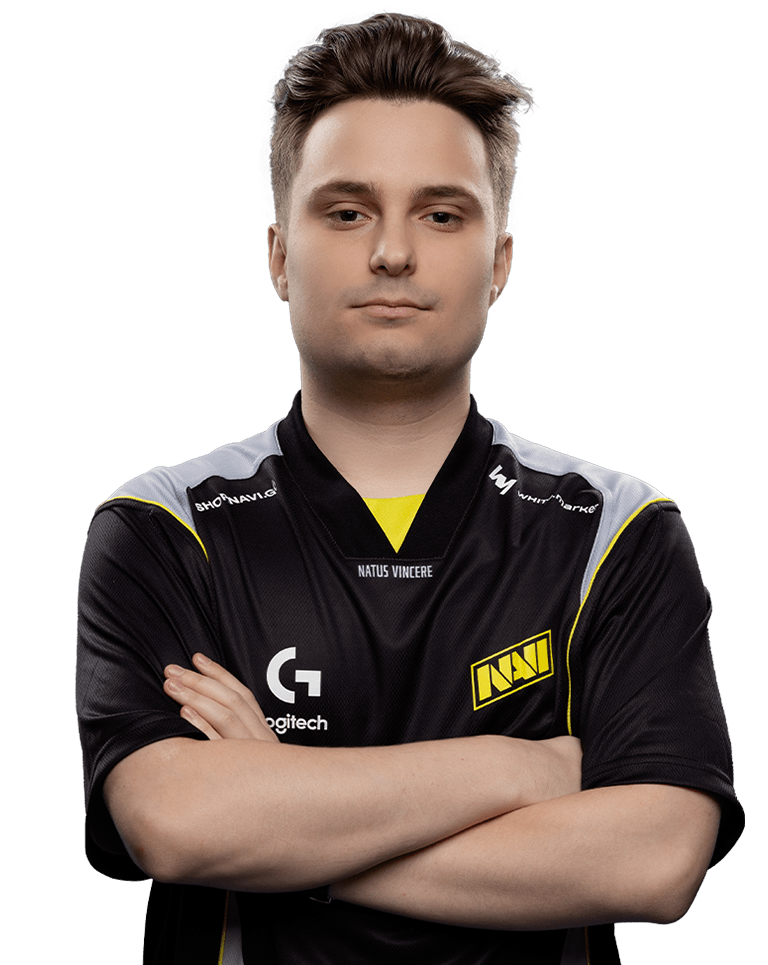
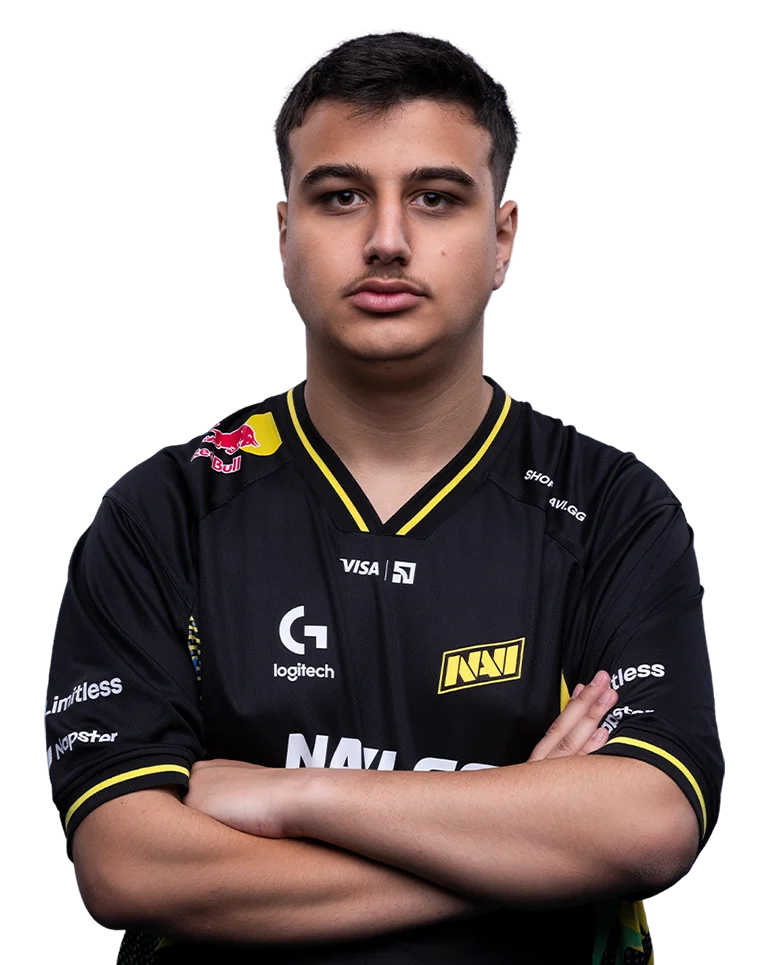
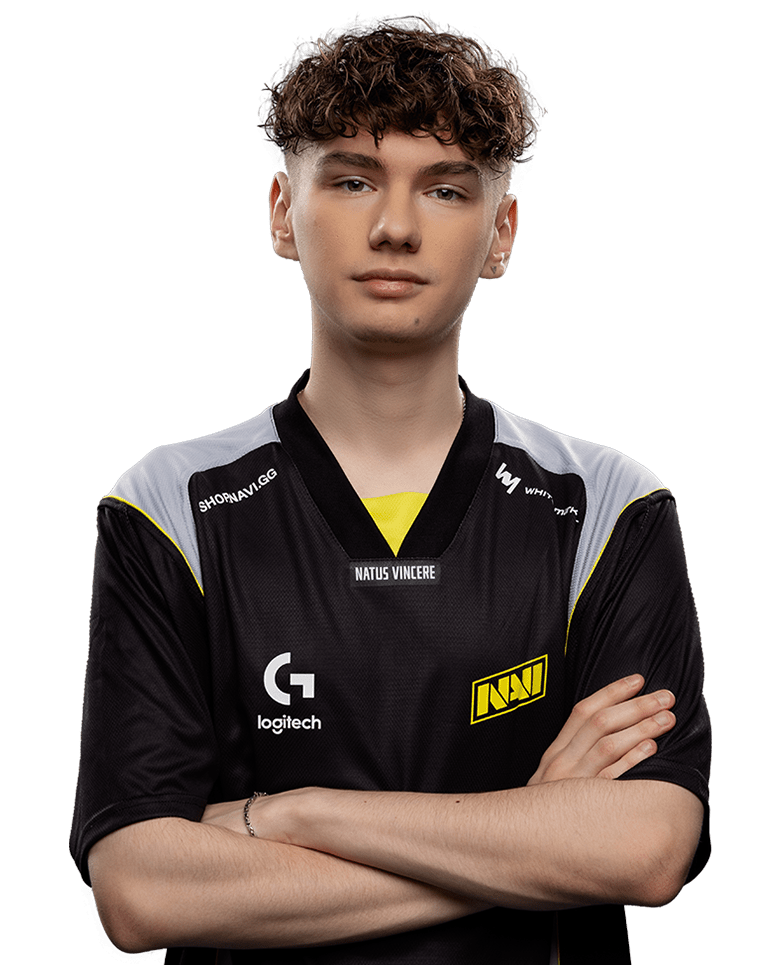
b1tValerii Vakhovskyi

PLAYER`S CONFIG

Base mode:
Standard
Black eQualizer:
6
Color Vibrance:
10
Low Blue Light:
0
Gamma:
2
Color Temperature:
Normal
RGB:
0 | 0 | 0
DyAc 2:
0
Brightness:
70
Contrast:
50
Sharpness:
10
AMA:
High
Display Mode:
Full

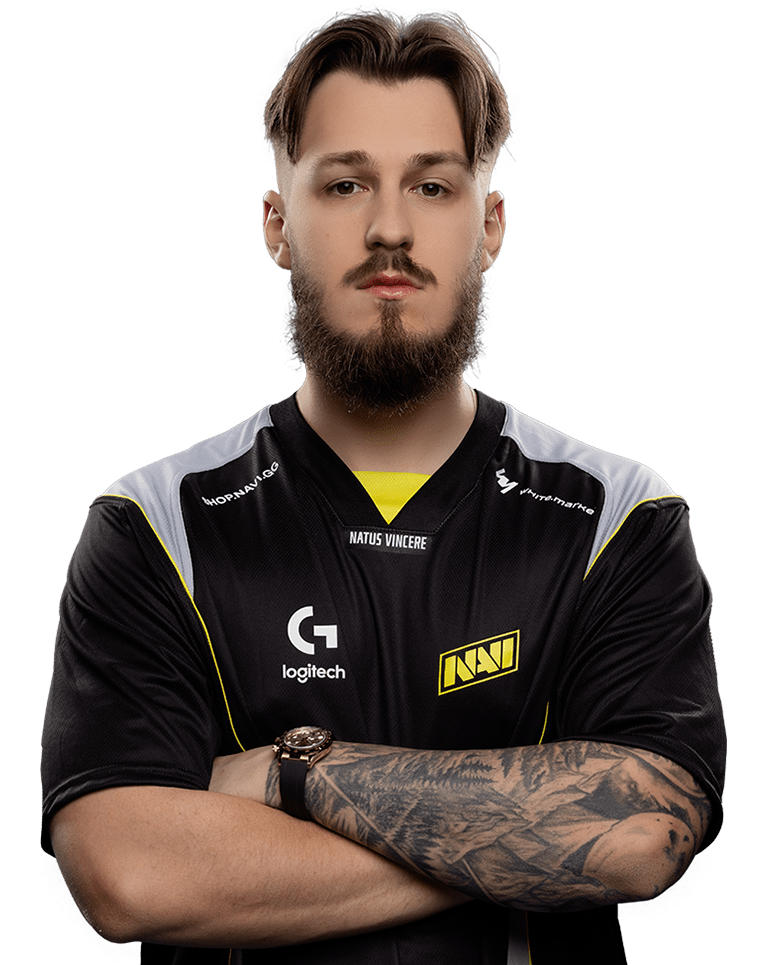
imIvan Mihai

PLAYER`S CONFIG

Base mode:
FPS1
Black eQualizer:
9
Color Vibrance:
10
Low Blue Light:
0
Gamma:
1
Color Temperature:
Normal
RGB:
0 | 0 | 0
DyAc 2:
2
Brightness:
100
Contrast:
60
Sharpness:
8
AMA:
Premium
Display Mode:
Full

jLJustinasLekavicius

PLAYER`S CONFIG

Base mode:
FPS1
Black eQualizer:
7
Color Vibrance:
13
Low Blue Light:
0
Gamma:
3
Color Temperature:
User Define
RGB:
80 | 82 | 100
DyAc 2:
2
Brightness:
100
Contrast:
50
Sharpness:
10
AMA:
High
Display Mode:
Full

makazzeDrin Shaqiri

PLAYER`S CONFIG

Base mode:
FPS1
Black eQualizer:
10
Color Vibrance:
20
Low Blue Light:
0
Gamma:
3
Color Temperature:
User Define
RGB:
88 | 90 | 100
DyAc 2:
Premium
Brightness:
83
Contrast:
65
Sharpness:
10
AMA:
High
Display Mode:
Full

w0nderfulIgorZhdanov

PLAYER`S CONFIG

Base mode:
FPS1
Black eQualizer:
15
Color Vibrance:
10
Low Blue Light:
0
Gamma:
2
Color Temperature:
Normal
RGB:
0 | 0 | 0
DyAc 2:
2
Brightness:
100
Contrast:
50
Sharpness:
10
AMA:
High
Display Mode:
Full

Your experience Starts hereLearn how to import

Play Video

ESL and ZOWIE have partnered to provide you access to some of your favorite professional player settings. You can download the settings and import them on your own setup to see what the pro player see via XL Setting to Share.

ZOWIE XL Setting to Share™

Fine-tuned Color Modes for Different FPS Games